
Temperature Converter Engine
Our comprehensive Temperature Converter serves as a robust Online Temperature Calculator to convert C to F, execute Kelvin conversion tool logic, and swap heat units instantly. Tool Radar 360 processes all specialized mathematical algorithms locally inside your secure web browser thread, delivering zero-latency execution speed with complete client-side asset protection.
Convert Temperature Scales Instantly
Input your quantitative thermal magnitude below, specify your targeting conversion scales, and capture zero-latency metric equations summaries.
Thermal Parameters Setup
Real-Time Calculation Output
How to Use the Temperature Converter Framework
Translate target thermodynamic values cleanly across variable scale indexes in three steps.
Initialize Heat Value
Provide your target base thermal numeric magnitude inside the interactive temperature input fields block.
Configure Scale Paths
Establish your source operational measurement origin, then map your targeted output destination scale metric menu.
Capture Final Metric
The local script pipeline automatically executes fractional cross-multiplication equations to display processed metrics summaries.
Accurate Mathematical Formulas for Temperature Conversion
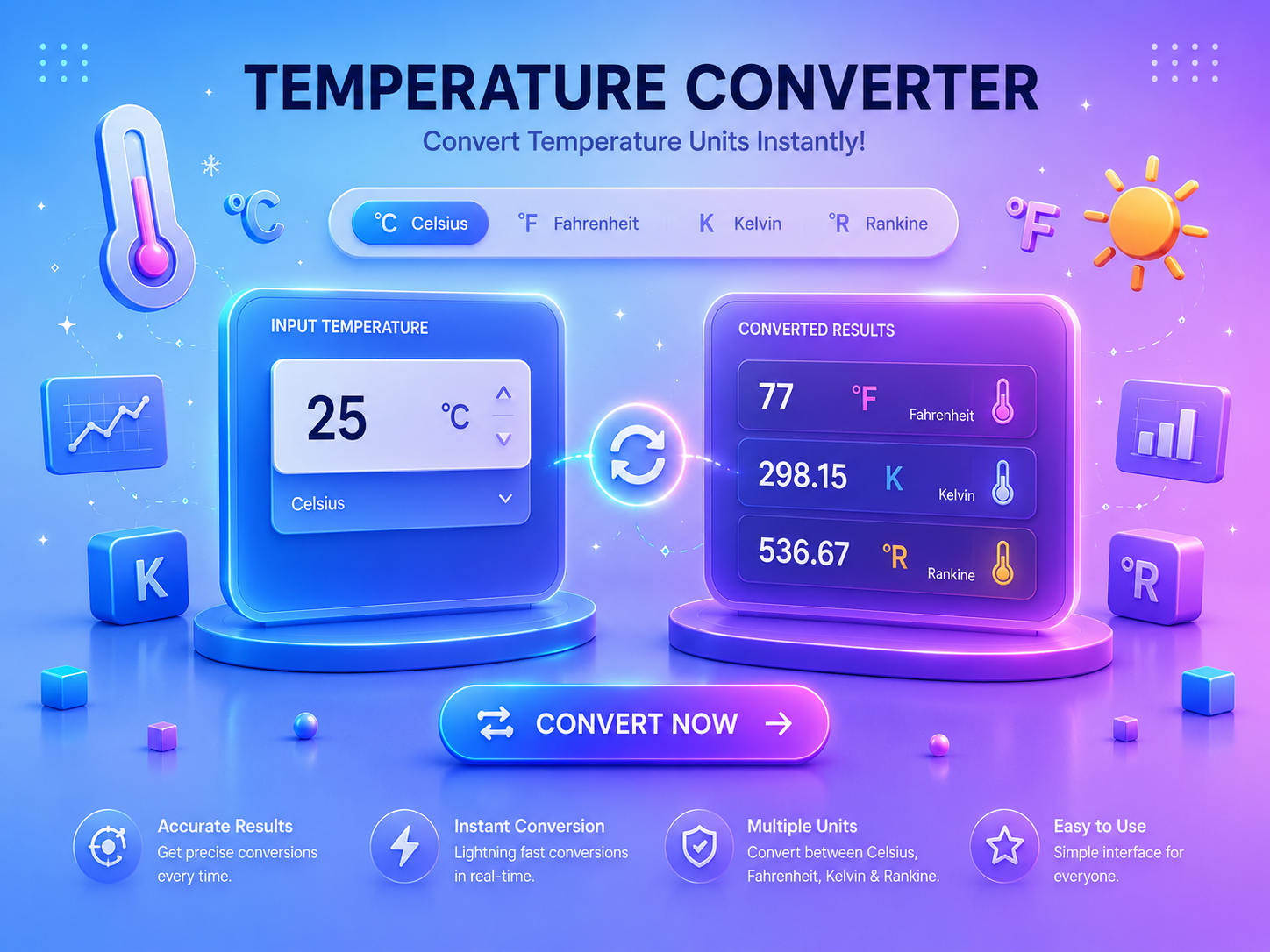
Shifting coordinate measurements across varying temperature scaling grids requires utilizing strict algebraic fraction variables. Performing a clean Celsius to Fahrenheit calculation or deploying a metric conversion tool matrix relies heavily on computing localized mathematical baseline offsets properly. For instance, the Celsius framework aligns its scale step thresholds to the physical freezing and boiling parameters of water, while the Fahrenheit configuration splits that identical space into different degree components, and the Kelvin metric maps kinetic bounds starting at absolute molecular zero.
Standard web-based calculators create user data leaks by tracking private quantitative tasks and passing calculations to external background pathways. Tool Radar 360 secures your computational privacy by processing all heat conversion formulas entirely within your localized device sandbox memory thread, 100% client-side.
The engine reads the input magnitude value, normalizes the metric sequence back to a clean Celsius reference layer, and then maps it directly to your chosen destination container target. This local operation retains perfect precision alignments, calculation safety, and functional responsiveness across any desktop or mobile viewing nodes smoothly.
Temperature Converter Frequently Asked Questions
Learn how Celsius, Fahrenheit and Kelvin conversions work.
How do I convert Celsius to Fahrenheit?
Multiply the Celsius value by 9/5, then add 32. For example, 0 degrees Celsius equals 32 degrees Fahrenheit and 100 degrees Celsius equals 212 degrees Fahrenheit.
How do I convert Celsius to Kelvin?
Add 273.15 to the Celsius value. For example, 0 degrees Celsius equals 273.15 Kelvin and absolute zero is -273.15 degrees Celsius, or 0 Kelvin.
How precise are the displayed results?
Results are displayed with up to six decimal places. Use Swap Scales to reverse the source and destination units, or Reset Core to restore 0 Celsius to Fahrenheit.
Execute High Precision Thermal Scalar Computations Online
Open our responsive terminal layer to calculate math values, transform parameters from Celsius to Fahrenheit, or balance complex units securely.