
Free Online Image Tools for Faster Visual Workflows
Our Free Online Image Tools help you resize, compress, convert, crop, and optimize pictures online with a faster browser-based workflow. These free utilities support websites, social media, documents, presentations, and uploads without requiring heavy desktop software.
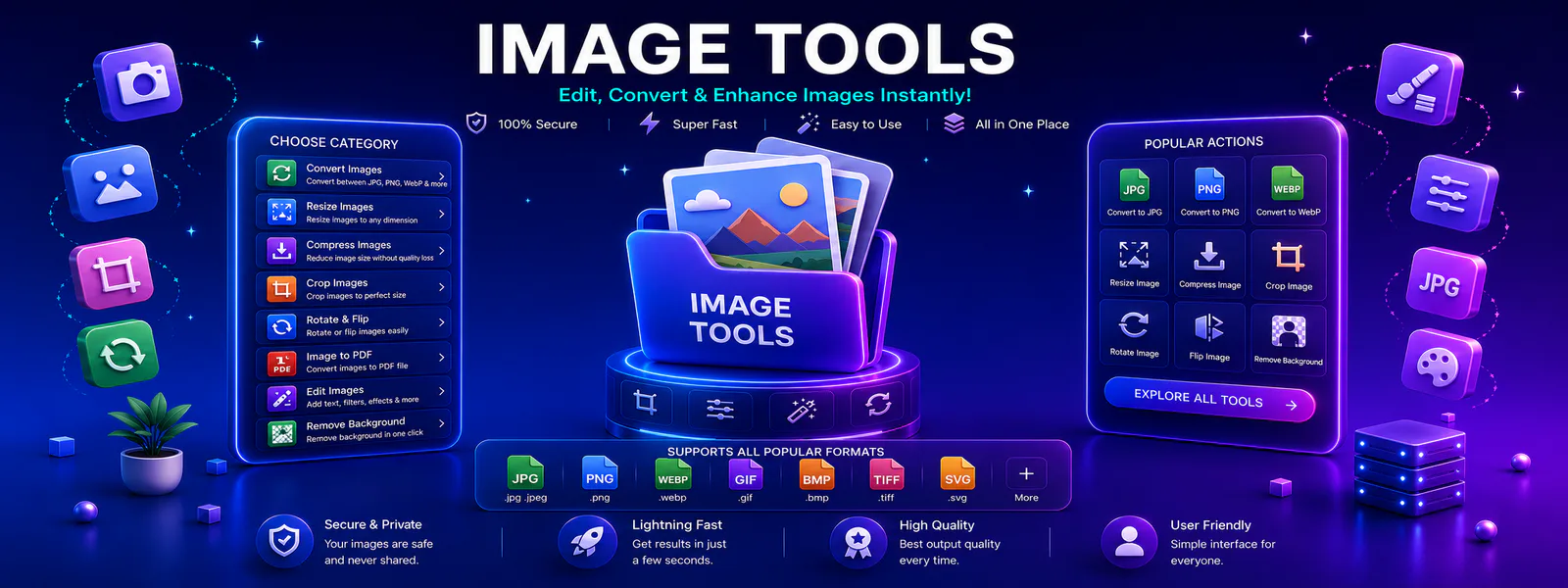
Image Workflow Hub
Use this category to discover practical tools for converting, resizing, compressing, and preparing images for web, sharing, and everyday use.
Image Tools Built Around Real Visual Workflows
Tool Radar 360 organizes image tools in one place so users can quickly resize photos, compress image files, change formats, and prepare visuals without jumping between random websites.
This category is structured for easier navigation, better usability, stronger internal linking, and improved discovery for people searching for free online image utilities.
Popular Free Online Image Tools
Start with the most useful image utilities in this category. These featured options help users complete common visual tasks quickly and move into related workflows with less friction.
JPG to PNG
Convert JPG images into PNG format online for cleaner transparency support, sharper graphics, and flexible use.
FeaturedImage Compressor
Reduce image file size online for faster uploads, better website performance, and easier file sharing.
FeaturedImage Resizer
Resize images for websites, social media, documents, presentations, and uploads with a simple workflow.
Browse All Online Image Utilities
Explore all available image tools in this category and move directly to the visual workflow you need.
Convert JPG to PNG Online
Convert JPG files into PNG format for cleaner quality, flexible usage, and better graphic support.
PNG to JPG
Convert PNG images into JPG format for smaller file sizes and easier sharing.
Compress Images for Faster Loading
Reduce image size for websites, email attachments, uploads, and faster loading.
Resize Images to Exact Dimensions
Resize photos and graphics to match exact dimensions for web, print, and social platforms.
Crop Image
Trim unwanted areas from images to create cleaner, more focused visuals.
Image to PDF
Turn photos and graphics into shareable PDF documents for presentation and storage.
WebP Converter
Convert images into WebP format for better compression and web-friendly performance.
Background Remover
Remove image backgrounds online for cleaner product photos, graphics, and creative use.
Why Users Choose Image Tools
This category is designed to support practical image tasks with cleaner workflows, faster access, and easier tool discovery.
Cleaner Visual Workflow
Users can find related image tools in one category instead of switching between scattered utilities for resizing, compression, conversion, and editing.
Faster Image Handling
Each tool page is connected through category-level navigation, making it easier to move from one image task to the next without wasting time.
Better Internal Discovery
Stronger links between tools, categories, and related pages help users discover more useful visual workflows while improving overall site structure.
How These Image Utilities Help
These tools are useful for everyday visual work across websites, social media, documents, marketing assets, and online sharing.
For Students
Use image utilities to resize screenshots, compress project images, convert formats, and prepare cleaner visuals for presentations and assignments.
For Creators & Teams
Speed up image editing workflows, social media prep, website uploads, and visual sharing with easier file handling.
For Daily Productivity
Use browser-based visual utilities whenever you need quick file optimization without installing extra software.
How Do Online Image Tools Work?
Image Tools bring resizing, compression, conversion, cropping, and optimization workflows into one focused category. As a result, users can prepare visual files for websites, social platforms, documents, presentations, and online forms without switching between unrelated services.
For example, a creator can convert JPG to PNG, resize an image to exact dimensions, or compress a picture without losing unnecessary quality. In addition, browser-based processing can reduce setup time because no heavy desktop application is required.
Tool Radar 360 groups related visual utilities into clearer browsing paths. Therefore, users can discover free online options for image conversion, optimization, background removal, and web-ready file preparation more efficiently.
How to Compress Images Without Losing Quality
Start with a moderate compression level, compare the preview, and download the result only when text, edges, and important details remain clear. JPG or WebP often creates smaller photo files, while PNG remains useful for transparency and sharp interface graphics.
For technical guidance about web image formats and browser support, review the MDN image file type guide.
Explore More Related Workflows
You can also continue into related tool pages, browse other categories, or visit the blog for guides that explain practical ways to improve image handling, website performance, and digital content workflows.
Frequently Asked Questions About Image Tools
These answers help users understand how this category works and what they can expect from image workflows on Tool Radar 360.
These tools help users resize, compress, crop, convert, optimize, and prepare image files online with a simpler and more organized process.
Explore More Tool Categories
Move into related categories to discover more useful tools across your workflow.
Start Using These Image Tools
Open the image utilities you need now, continue into related workflows, and build a faster visual process with Tool Radar 360.