
PDF Tools
Work with PDF files using tools for merging, splitting, compression, conversion and other common document workflows.
Browse our comprehensive directory of Online Tool Categories at Tool Radar 360. Our utilities are organized across PDF, image, document, converter, compression, SEO, developer, text, calculator, and general utility categories, adhering to standard web design protocols as outlined by the W3C guidelines so you can reach the right workflow faster.
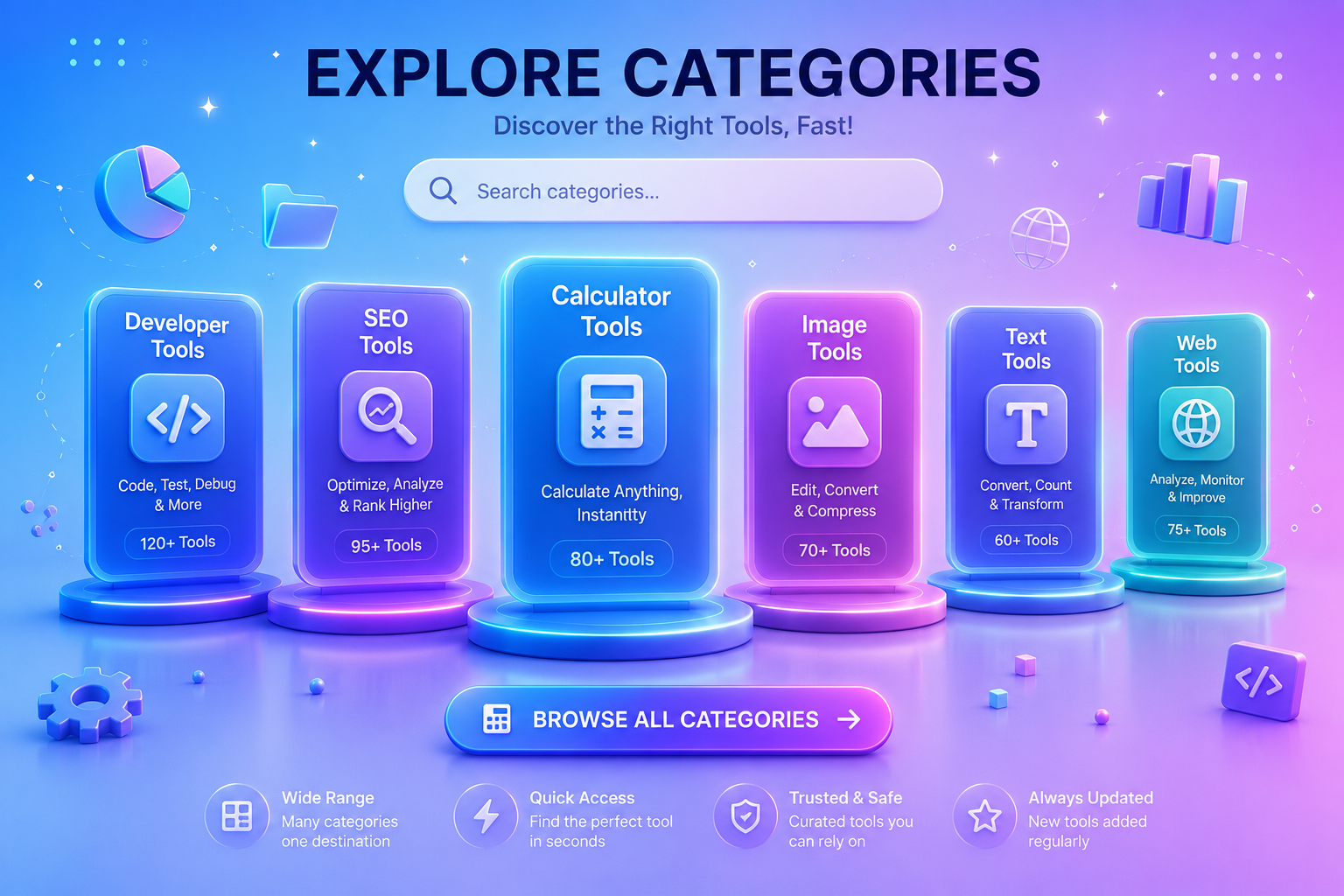
Organized categories help visitors move from a task to the right utility without searching through an unrelated list.
Each category groups related utilities around a specific workflow within our Online Tool Categories architecture, making it easier to discover tools for files, content, technical tasks and calculations.
Work with PDF files using tools for merging, splitting, compression, conversion and other common document workflows.
Resize, crop, optimize and transform images for websites, documents, social content and everyday digital publishing.
Utilities focused on Word, spreadsheet, presentation and general document workflows, formatting and file management.
Convert between compatible file formats, image types, document formats and other digital data representations.
Reduce file sizes to make files easier to upload, send, store and use in lightweight digital workflows.
Inspect search-facing page elements, text metrics, metadata and other useful information for web publishing workflows.
Lightweight technical utilities for formatting, encoding, development data and common web-development tasks.
Count, clean, format and transform text for writing, editing, publishing and general content workflows.
Perform academic, mathematical, date, percentage and everyday calculations directly in the browser.
General-purpose web utilities that do not fit neatly into a single specialized category but solve useful everyday digital tasks.
The same platform can support document work, publishing, technical tasks and everyday calculations without forcing every utility into one oversized list.
PDF, document, converter, compression and calculator categories support assignments, reports, forms, submissions and office workflows.
Image, text, SEO, developer and utility categories support content preparation, optimization and technical web workflows.
Start with a category when you know the type of workflow you need, or browse the complete Tool Radar 360 directory to discover utilities across every category.
Choose the appearance you prefer. We’ll remember your selection across Tool Radar 360.
You can change this anytime from the header.