
Free Online PDF Tools for Smarter Document Workflows
Our Free Online PDF Tools help you merge, split, compress, convert, rotate, unlock, and organize PDF files online. These browser-based utilities support reports, contracts, assignments, eBooks, forms, and presentations without requiring complicated desktop software.
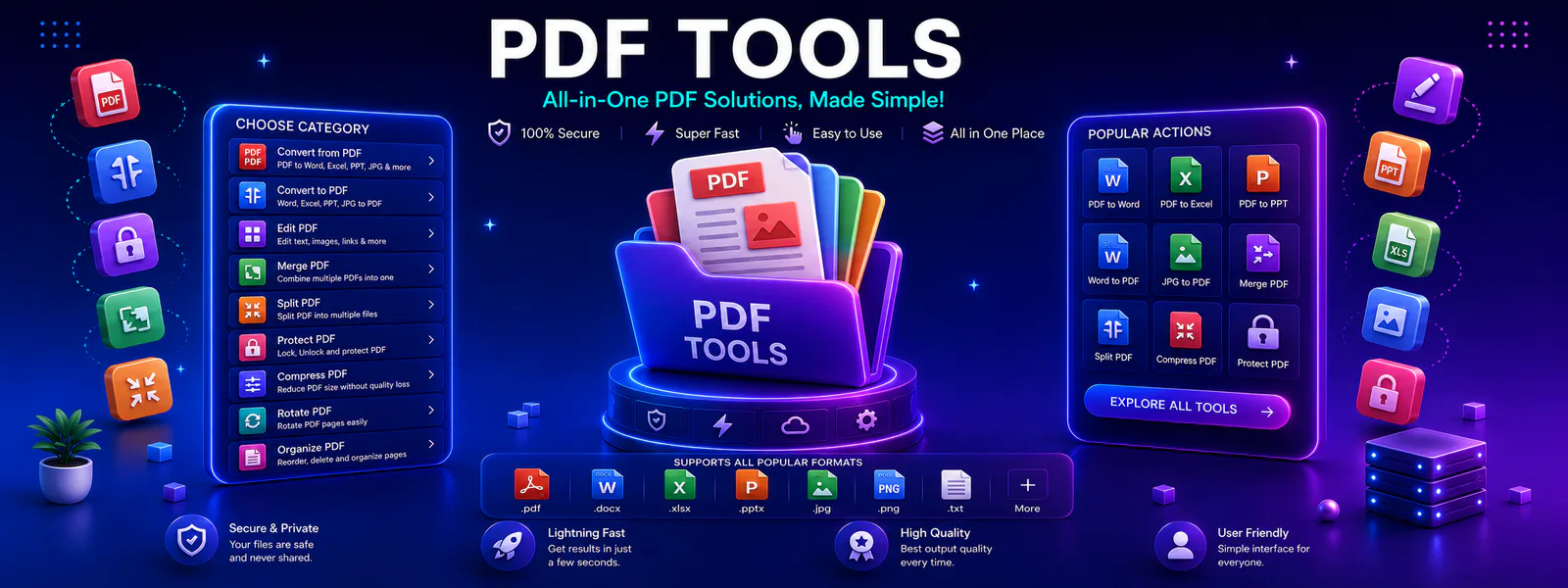
PDF Workflow Hub
Use this category to discover practical utilities for converting, compressing, organizing, and sharing PDF files more efficiently.
Document Utilities Built Around Real Workflows
Tool Radar 360 organizes document functions in one place so users can quickly merge PDFs, split pages, compress file sizes, and convert documents without jumping across multiple websites.
Moreover, this category is structured for easier navigation, cleaner usability, stronger internal linking, and better discoverability for people searching for document solutions.
Popular Free Online PDF Utilities
Start with the most useful file utilities in this category. As a result, the featured options help users complete common document tasks quickly and move into related workflows with less friction.
PDF to Word
Convert PDF files into editable Word documents online for faster updates, content reuse, and document editing.
FeaturedMerge PDF
Combine multiple PDF files into one organized document for reports, applications, assignments, and file sharing.
FeaturedCompress PDF
Reduce PDF file size online to make uploads, email sharing, and storage easier without unnecessary hassle.
Browse All Online Document Utilities
Next, explore all available document functions in this category and move directly to the file workflow you need.
Convert PDF to Word Online
Turn PDF files into editable Word documents for updates, revision, and content reuse.
Word to PDF
Convert Word documents into PDF format for cleaner sharing, printing, and distribution.
How to Combine Files Securely Online
Combine multiple PDF files into a single organized document in a few simple steps.
Split PDF
Extract pages or break large PDF documents into smaller files for easier handling.
Compress PDF Without Losing Quality
Reduce PDF size for uploads, email attachments, web sharing, and faster file transfer.
Rotate PDF
Fix page orientation in PDF files for cleaner reading, printing, and document presentation.
Unlock PDF
Remove PDF restrictions when you need easier access for printing, editing, or copying content.
PDF to JPG
Convert PDF pages into shareable JPG images for previews, slides, and visual sharing.
Why Users Choose Our Platform
Overall, this category supports practical document tasks through cleaner workflows, faster access, and easier tool discovery.
Clear Document Workflow
For example, users can find related functions in one category instead of searching across scattered utility pages for merging, splitting, compression, and conversion tasks.
Faster PDF Handling
Likewise, each tool page is connected through category-level navigation, making it easier to move from one file task to the next without wasting time.
Easy Document Management
Furthermore, stronger links between utilities, categories, and related pages help users discover more useful document workflows while improving overall site structure.
How These Utilities Help
In practice, these tools support everyday document work across study, office tasks, digital sharing, and online file management.
For Students
For students, document functions can combine notes, reduce assignment file size, convert study documents, and prepare cleaner files for submission.
For Professionals
For professionals, these utilities speed up report sharing, client document handling, contracts, presentations, and internal workflows through easier organization.
For Daily Productivity
Finally, browser-based functions provide quick document fixes without requiring heavy desktop software.
How to Use Document Utilities Safely
Document utilities bring conversion, compression, merging, splitting, rotation, unlocking, and organization into one focused category. As a result, students, professionals, and teams can prepare files for editing, sharing, archiving, and submission without switching between unrelated websites.
For example, users can merge document files online, split selected pages, compress a file for email, or convert formats for editing. In addition, browser-based workflows reduce setup time because no heavy desktop software is required.
Tool Radar 360 groups related file functions into clearer browsing paths. Therefore, visitors can discover options for document conversion, management, file optimization, and secure sharing more efficiently.
How to Compress Files Without Losing Quality
First, choose a balanced compression level and review the output carefully. Then, confirm that text, graphics, and important page details remain readable. For scanned files, stronger compression may reduce size further; however, text-heavy documents usually benefit from moderate optimization.
Additionally, for technical information about the document standard, review the ISO specification overview.
Similarly, for practical guidance about document technology and developer workflows, see the Adobe SDK documentation.
Explore More Related Workflows
Finally, you can continue into related tool pages, browse other categories, or visit the blog for guides that explain practical ways to improve document workflows, file sharing, and online productivity.
Frequently Asked Questions About Document Utilities
In addition, these answers explain how the category works and what users can expect from document workflows on Tool Radar 360.
For example, users can merge, split, compress, convert, rotate, and organize files online through a simpler and more structured process.
Moreover, many Tool Radar 360 utilities are easy to access and simple to use online, with free workflows for common tasks.
Explore More Tool Categories
Next, move into related categories to discover more useful tools across your workflow.
Start Using These Document Utilities
Finally, open the utilities you need now, continue into related workflows, and build a faster document process with Tool Radar 360.